Sixelf
・Web App
Tracking design
contributions for designers
Tracking design
contributions for designers
Introduction
Introduction
Introduction
Sixelf is a platform designed to help designers track and document their design contributions, similar to how GitHub tracks code for developers. Often, designers struggle to capture and showcase their design efforts across multiple projects in a way that’s structured and easily understandable. Sixelf solves this by creating a clear, comprehensive system for logging and displaying design contributions, making it easier for designers to build a portfolio of their work and gain recognition for their efforts.
I was in charge of the platform’s UX and UI.
Sixelf is a platform designed to help designers track and document their design contributions, similar to how GitHub tracks code for developers. Often, designers struggle to capture and showcase their design efforts across multiple projects in a way that’s structured and easily understandable. Sixelf solves this by creating a clear, comprehensive system for logging and displaying design contributions, making it easier for designers to build a portfolio of their work and gain recognition for their efforts.
I was in charge of the platform’s UX and UI.
Sixelf is a platform designed to help designers track and document their design contributions, similar to how GitHub tracks code for developers. Often, designers struggle to capture and showcase their design efforts across multiple projects in a way that’s structured and easily understandable. Sixelf solves this by creating a clear, comprehensive system for logging and displaying design contributions, making it easier for designers to build a portfolio of their work and gain recognition for their efforts.
I was in charge of the platform’s UX and UI.
Challenges
Challenges
Challenges
How might we allow designers to easily log and track their design contributions across different projects?
How might we present designers’ contributions in a visually appealing and meaningful way?
How might we ensure the platform integrates seamlessly into existing design workflows?.
How might we allow designers to easily log and track their design contributions across different projects?
How might we present designers’ contributions in a visually appealing and meaningful way?
How might we ensure the platform integrates seamlessly into existing design workflows?.
Connecting Figma
Connecting Figma
Connecting Figma
According to survey done by UX tools (https://uxtools.co/survey/2020/) in 2020, 66% of designers use Figma as their main tool for product design. Bearing this in mind, I went forward to design the flow to connect a Figma account. The process involves connecting an account, then also connecting individual teams and files under that account, so that the designers’s contributions in those teams and files can be fetched.
According to survey done by UX tools (https://uxtools.co/survey/2020/) in 2020, 66% of designers use Figma as their main tool for product design. Bearing this in mind, I went forward to design the flow to connect a Figma account. The process involves connecting an account, then also connecting individual teams and files under that account, so that the designers’s contributions in those teams and files can be fetched.
Since the flow is part of the onboarding, I designed it in a way that combined the two actions ( i.e connecting an account, and connecting a team or file under that account). This was to reduce the steps and also make it simple.
Since the flow is part of the onboarding, I designed it in a way that combined the two actions ( i.e connecting an account, and connecting a team or file under that account). This was to reduce the steps and also make it simple.
Users can also add accounts, teams and files after signup, but the major difference now is that the flows are separated. Adding Figma accounts has a separate flow from adding teams and files. This was designed to make it easy for designers to easily add more teams and files to already connected accounts.
Users can also add accounts, teams and files after signup, but the major difference now is that the flows are separated. Adding Figma accounts has a separate flow from adding teams and files. This was designed to make it easy for designers to easily add more teams and files to already connected accounts.
Contributions details, Code embed, Image export
Contributions details, Code embed, Image export
Contributions details, Code embed, Image export
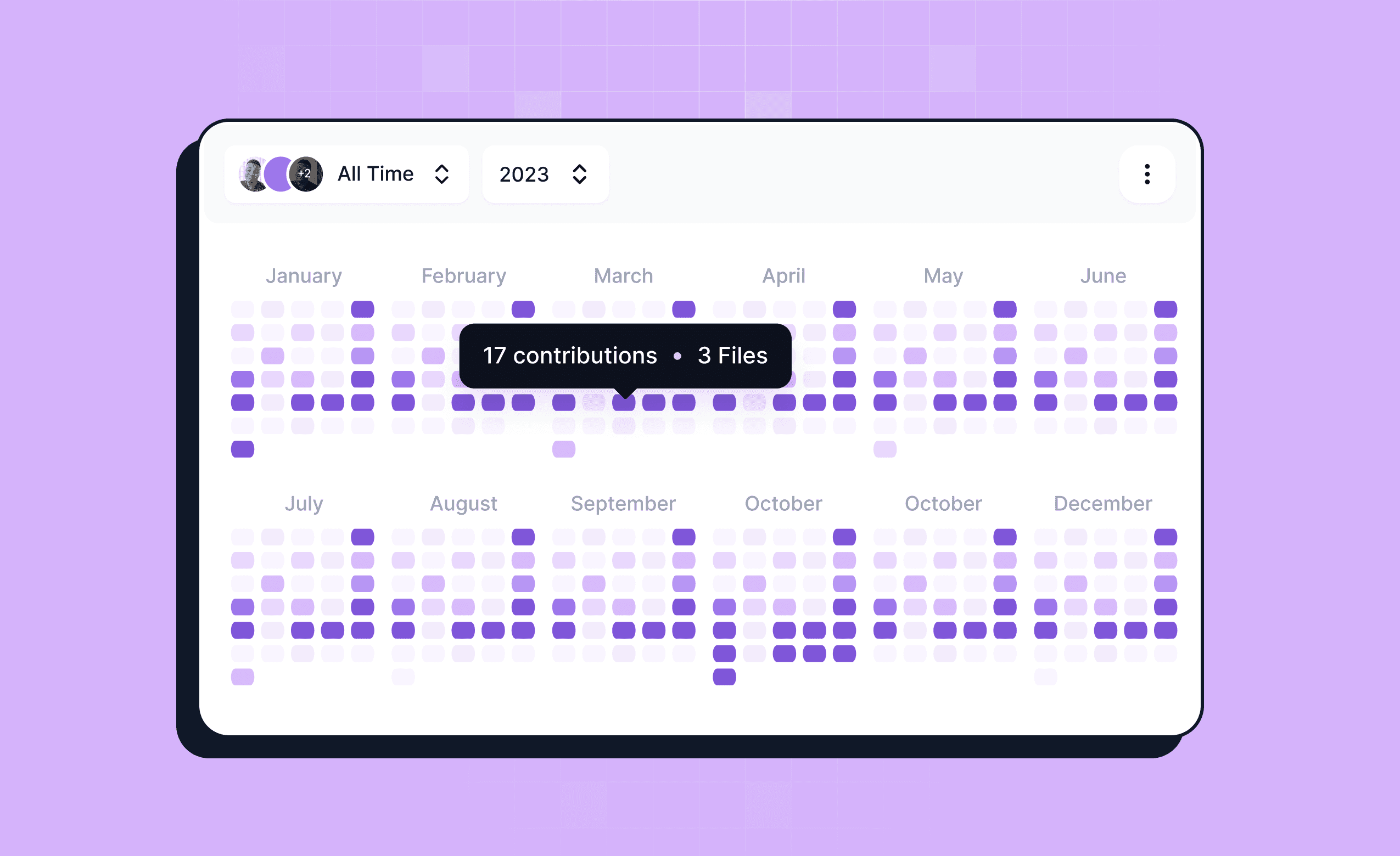
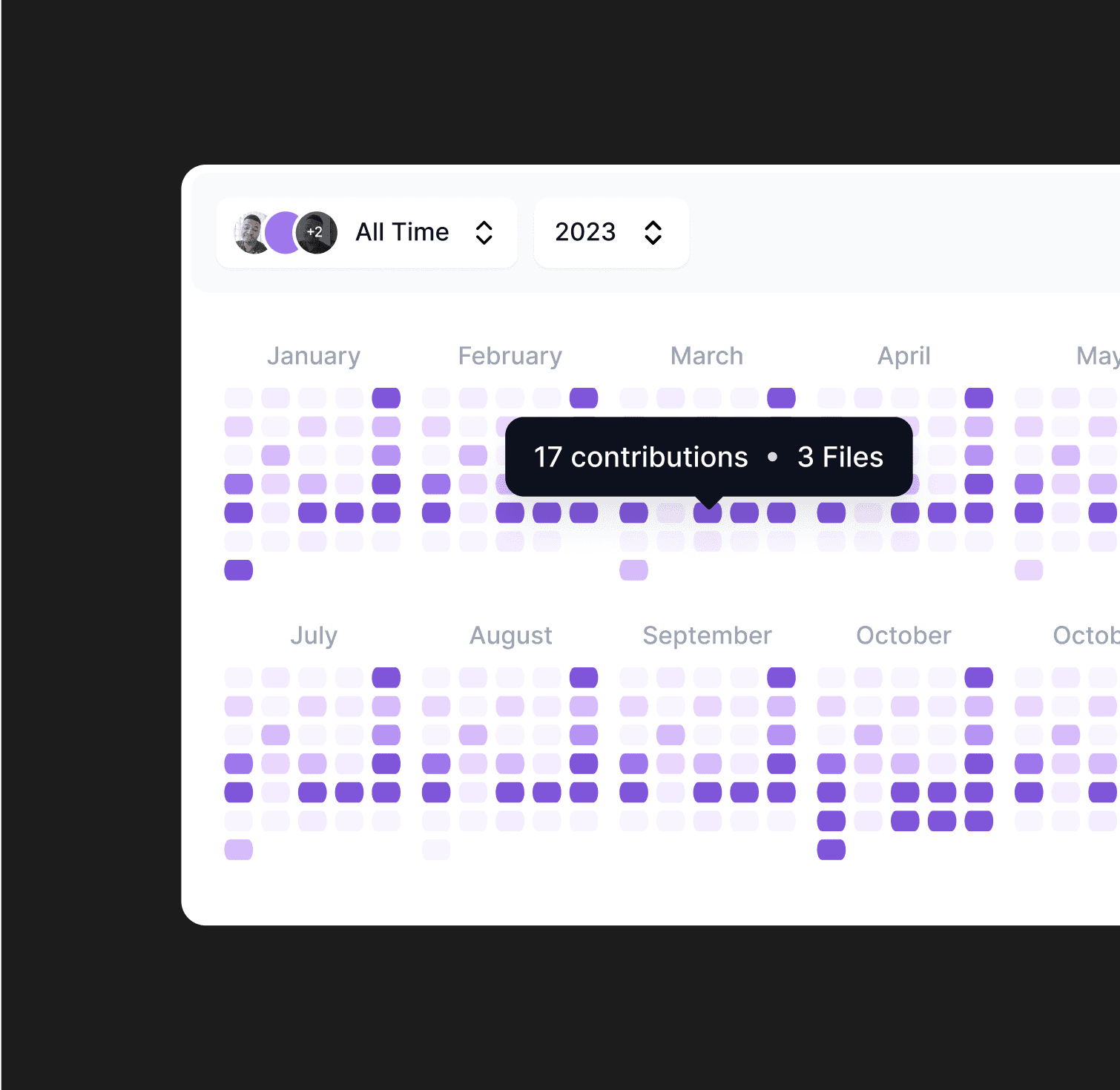
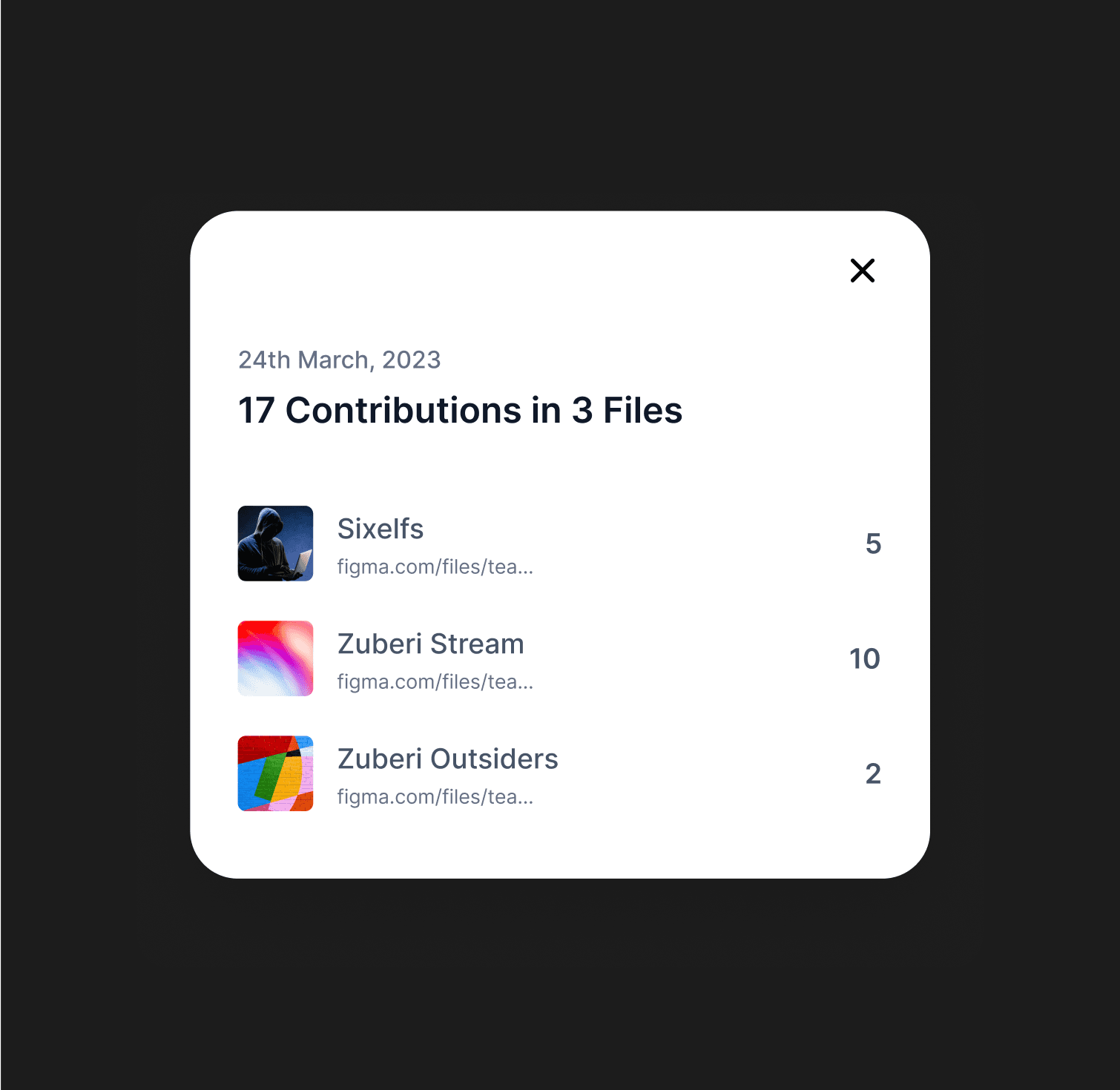
Visualizing the the contributions is not enough, so we made it possible for designers to know exactly which files they worked on, on any day. This would enable the designers to decipher when they are productive the most and show when they’ve done the most work.
Visualizing the the contributions is not enough, so we made it possible for designers to know exactly which files they worked on, on any day. This would enable the designers to decipher when they are productive the most and show when they’ve done the most work.
We also made it possible for them to be able to show their contributions outside the platform by embedding it on their website with code. They can also show off their contributions as a single image.
We also made it possible for them to be able to show their contributions outside the platform by embedding it on their website with code. They can also show off their contributions as a single image.
Adding projects
Adding projects
Adding projects
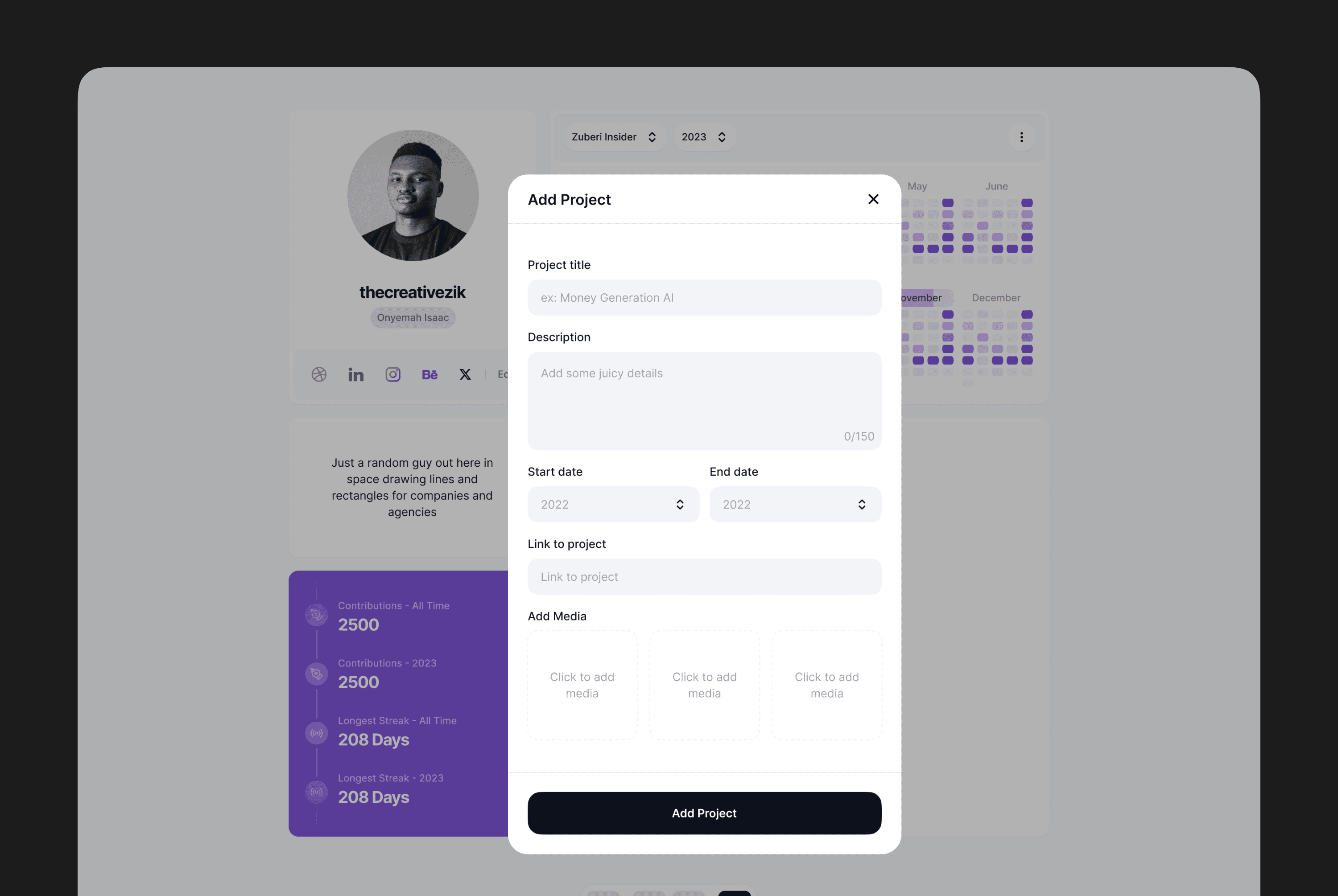
In designing this aspect, the idea was to enable the designers add a preview or brief summary of the projects they were working in the most effective way, and not to get too detailed as the focus is on the design contributions.
In designing this aspect, the idea was to enable the designers add a preview or brief summary of the projects they were working in the most effective way, and not to get too detailed as the focus is on the design contributions.
Others - Contributions summary, links, billings...
Others - Contributions summary, links, billings...
Others - Contributions summary, links, billings...
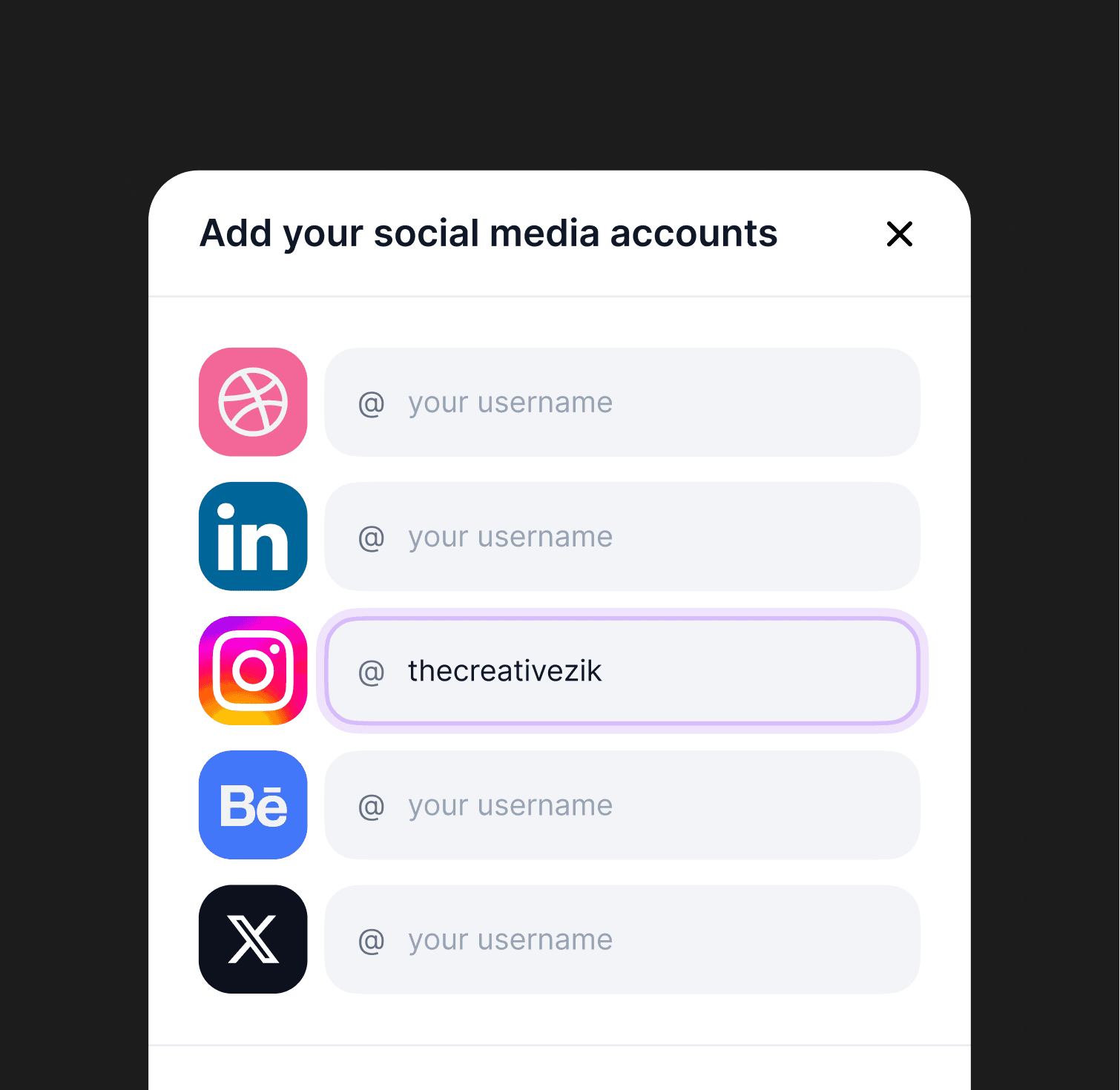
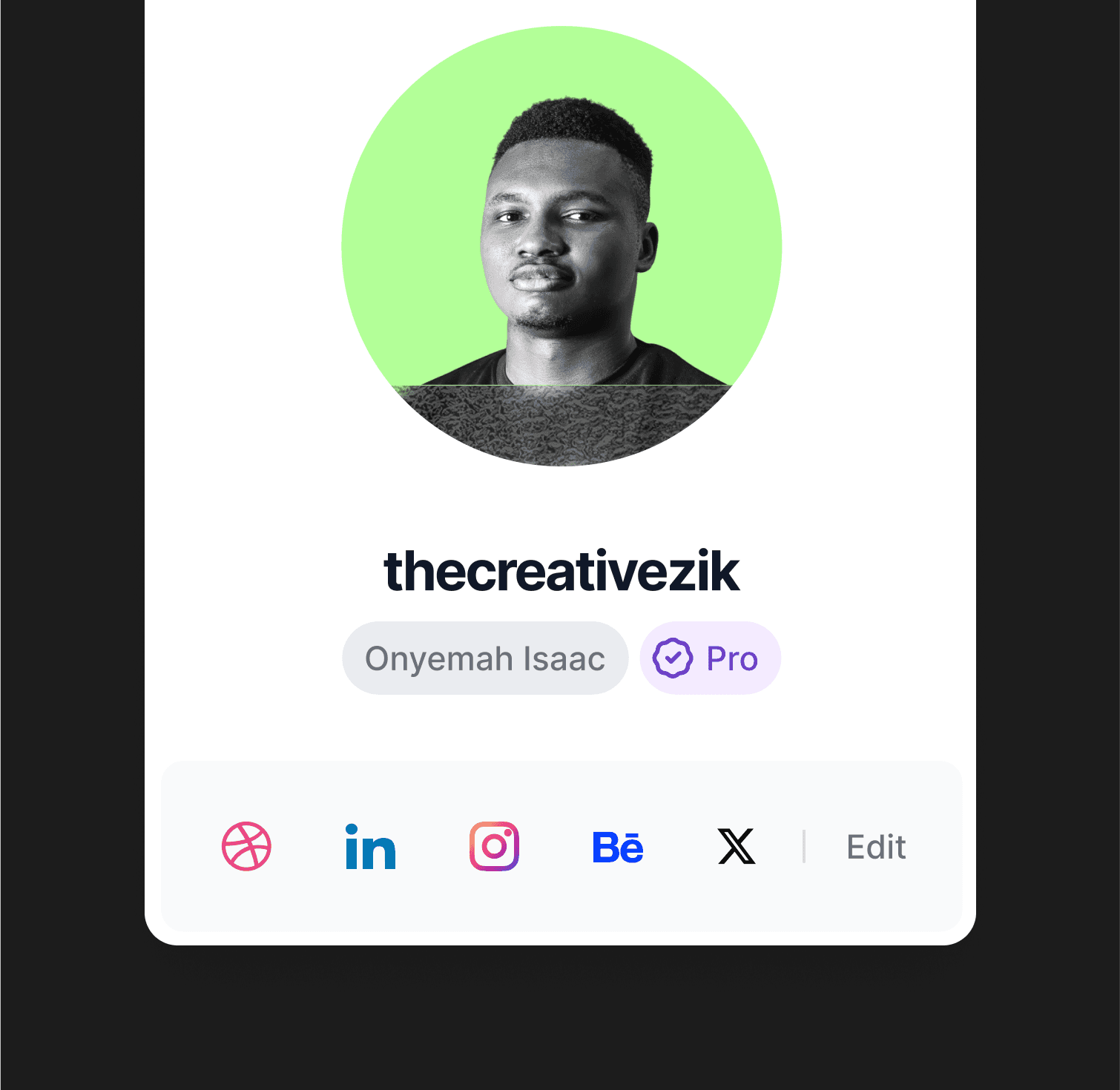
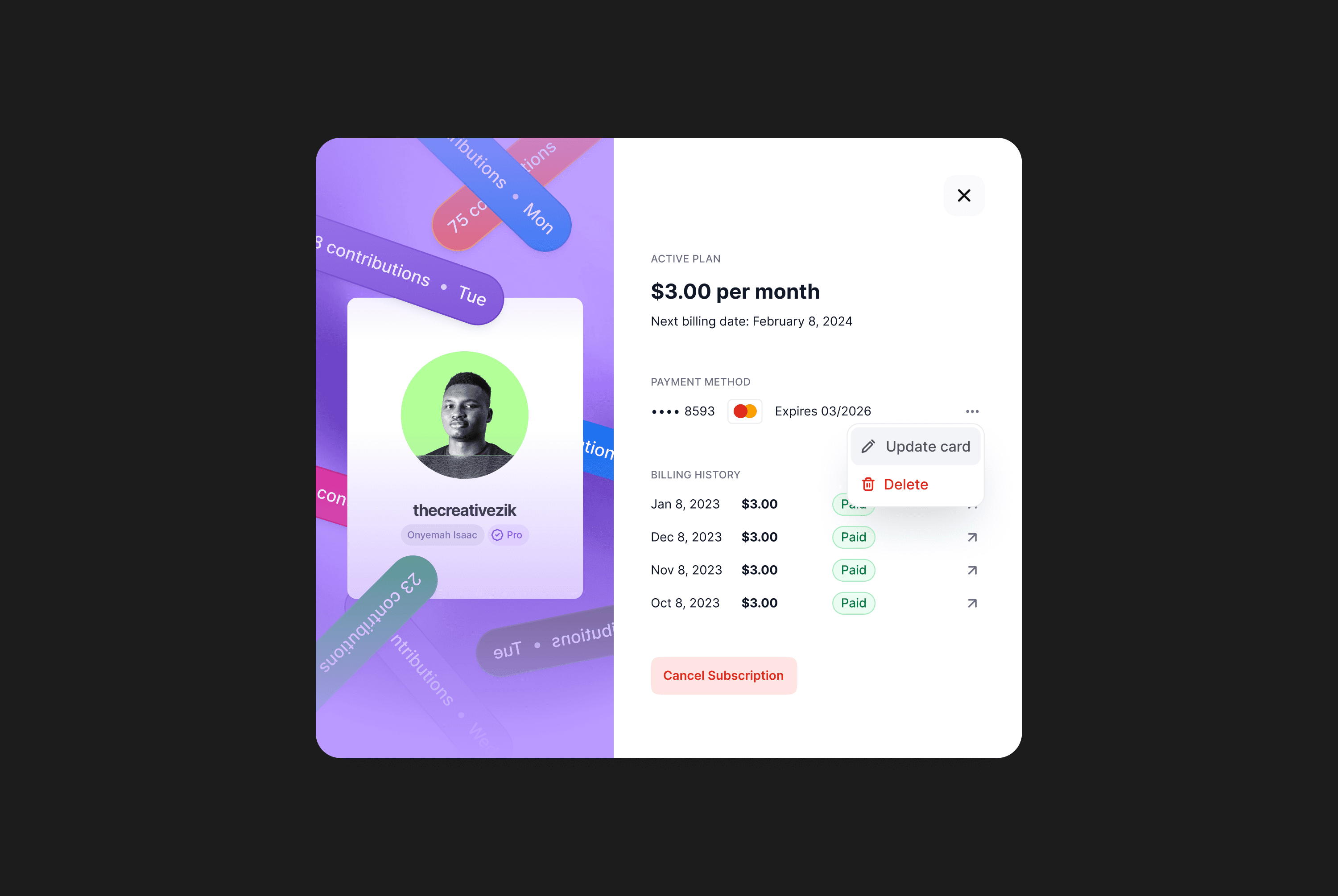
In addition to everything above we’ve also made it possible for designers to add important social links, and a short bio or summary. Also they can see the numbers and a summary of their contributions from their all-time contributions to their streaks. This was something we imagined would help motivate designers.
In addition to everything above we’ve also made it possible for designers to add important social links, and a short bio or summary. Also they can see the numbers and a summary of their contributions from their all-time contributions to their streaks. This was something we imagined would help motivate designers.

Future improvements
Future improvements
Future improvements
In the future we plan to make the platform even more functional and collaborative - dare we say the next and better Dribbble 😅.
In the future we plan to make the platform even more functional and collaborative - dare we say the next and better Dribbble 😅.
We’d introduce analytics to help the designers keep track of who’s viewing their profile and where they’re viewing from.
We also plan to introduce badges and medals to gamify the platform and also motivate designers to do more.
Ability to tag teams and collaborators on projects.
Also, the ability to add a custom button that could lead to any specific place the designer wants, maybe a call / calender link.
And lastly, the ability to add and display recommendations from clients, managers and team members.